
Download Unfaced.
The app is free to download. You make videos with an Unfaced plan (or a free trial spot) and your own Claude subscription.
- Click More info (the small link under the message).
- Click Run anyway. The publisher shows as Unknown because Unfaced is new; the installer comes straight from unfaced.site.
- If your browser asks to keep the file, choose Keep.
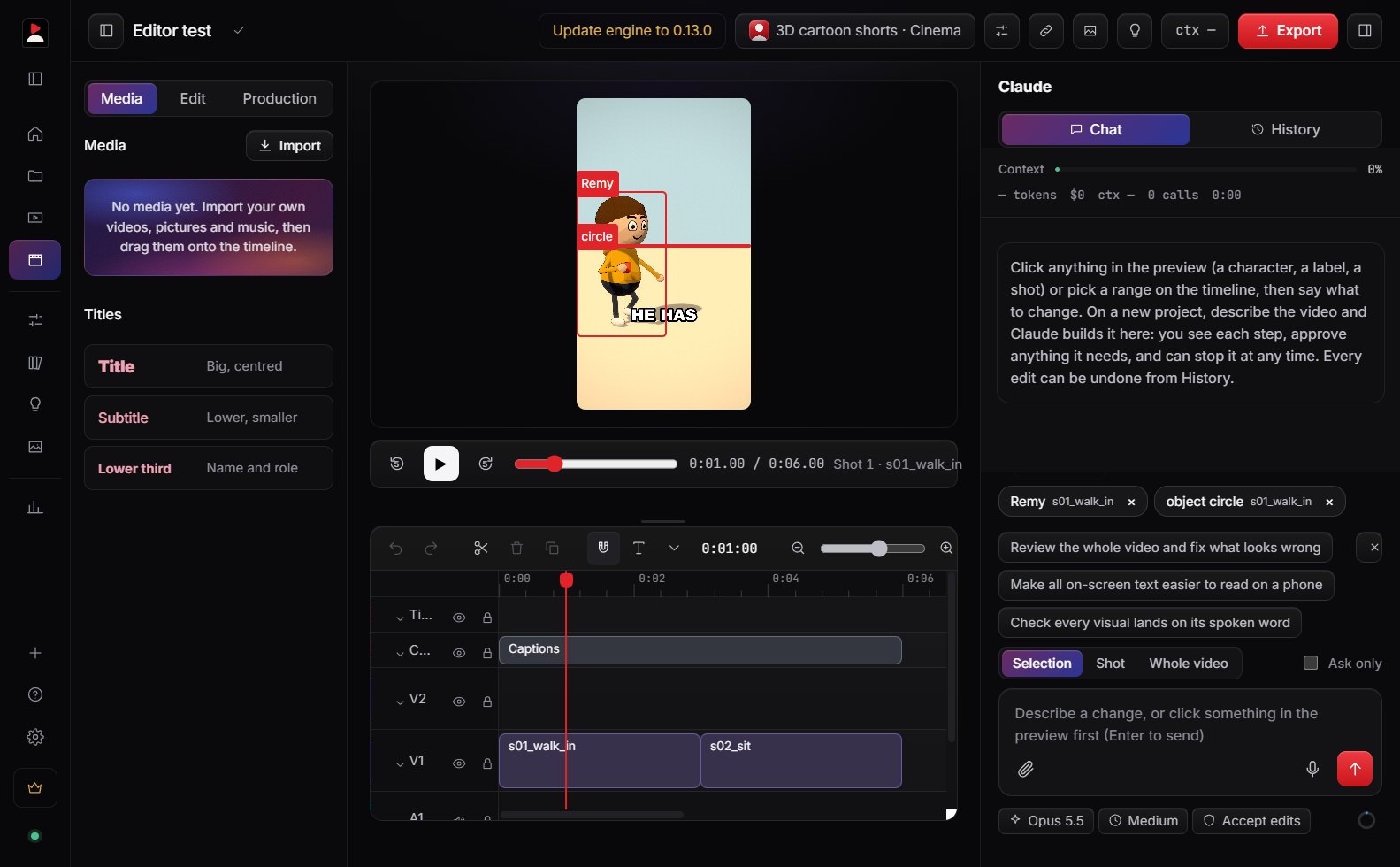
From download to first video.
- 01
Get a plan
Pick a plan on the pricing section, or take one of the free trial spots. Your account is made with the email you pay with.
- 02
Install and sign in
Open the installer. Then create your account in the app with that same email and a password. Each sign-in also asks for a 6-digit code we email you.
- 03
Set up this PC
Unfaced checks for the free tools it works with (Claude Code, Node.js, ffmpeg, Git) and installs what’s missing, one click each or all at once.
- 04
Make your first video
A short tour shows you around. Then New project, type a topic, and let Claude build it.
System requirements
- Windows 10 or 11, 64-bit
- A graphics card that runs WebGL 2 (most from the last few years)
- 8 GB of memory or more, 5 GB free space
- Claude Code signed in to your Claude account (Pro or Max)
- An internet connection when you sign in, build and export
“Windows protected your PC”?
Windows shows this for new apps it hasn’t seen many times yet. Click More info, then Run anyway. The installer is the one from this page; updates after that install by themselves.
Updates
Unfaced checks for a new version every few minutes and shows an Update button at the top of the window. Your work is saved first.